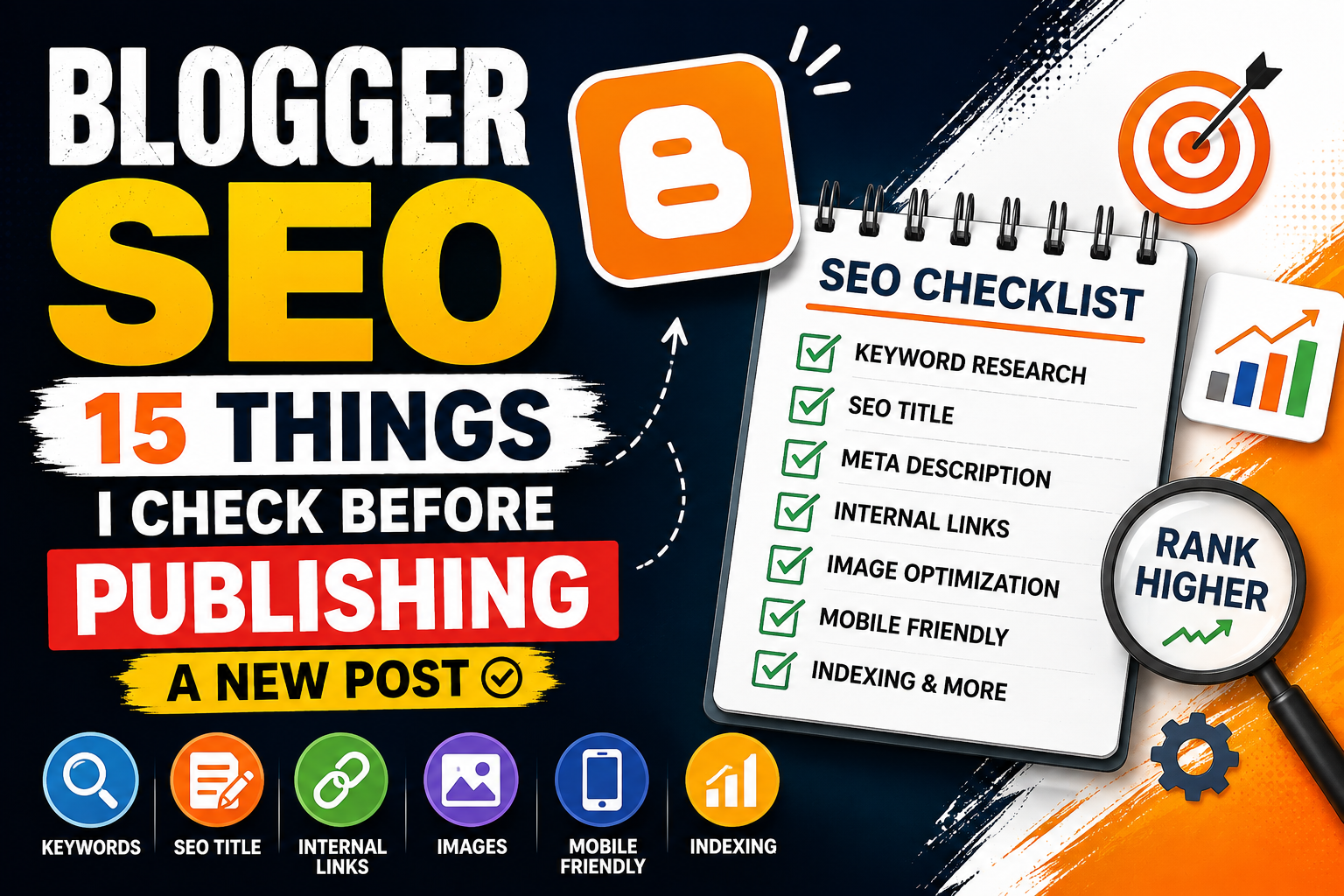
Blogger SEO: 15 Things I Check Before Publishing a New Post
Publishing a new blog post is easy.
Writing a post that Google can understand, index, and potentially rank is a different story.
When I started working more seriously on Blogger SEO, I realized that hitting the Publish button shouldn't be the final step of writing an article. It should be the final step of a proper optimization process.
A good blog post needs more than keywords.
You need to think about search intent, content quality, titles, headings, URLs, internal links, images, mobile experience, indexing, and user experience.
That's why I created this simple Blogger SEO checklist.
Before publishing a new article on Blogger, these are the 15 things I check.
Why Blogger SEO Matters Before Publishing
Blogger is a simple and powerful blogging platform, but simply publishing an article doesn't guarantee that Google will rank it.
Search engines need to understand:
What your article is about
What question it answers
Who it is written for
Whether the content is useful
How it connects to other pages on your website
Whether the page provides a good user experience
SEO is therefore something I consider before publishing, not something I try to fix weeks later.
The good news is that you don't need to make every article complicated.
A consistent publishing checklist can prevent many basic SEO mistakes.
My 15-Point Blogger SEO Checklist
1. I Check the Search Intent First
Before writing an article, I ask one simple question:
What does someone actually want when they search for this keyword?
For example, someone searching for:
"Blogger custom domain"
may want a tutorial explaining how to connect a domain.
Someone searching for:
"Blogger vs WordPress"
may want a comparison.
And someone searching for:
"Google Search Console indexing issue Blogger"
may be looking for a troubleshooting guide.
These are different search intents.
Common types of search intent
Informational:
The user wants to learn something.
Navigational:
The user wants to find a particular website or page.
Commercial:
The user is researching a product or service before making a decision.
Transactional:
The user is ready to take an action or purchase something.
I try to make sure my article matches the intent behind the target keyword.
2. I Choose One Primary Keyword
I don't try to optimize one article for dozens of unrelated keywords.
Instead, I select one main topic or primary keyword.
For this article, the primary keyword is:
Blogger SEO
Related keywords can naturally appear throughout the article, such as:
Blogger SEO checklist
Blogger post SEO
SEO for Blogger
Blogger optimization
Blogger on-page SEO
Blogger blog optimization
The important part is to avoid forcing keywords into sentences where they don't belong.
Write for humans first and search engines second.
3. I Create a Clear SEO-Friendly Title
The title is one of the first things both users and search engines see.
I try to make my title:
Clear
Specific
Relevant to the search query
Interesting enough to earn a click
Accurate
Not unnecessarily long
For example:
Weak:
Some Important SEO Tips for Bloggers
Better:
Blogger SEO: 15 Things I Check Before Publishing a New Post
The second title immediately tells the reader what they will learn.
It also naturally contains the main topic.
4. I Write a Useful Introduction
The first few paragraphs matter.
I don't want readers to open an article and immediately see a huge block of generic information.
Instead, I try to answer three things quickly:
What is this article about?
Why does it matter?
What will the reader learn?
For example, instead of writing:
SEO is very important for websites. Many people use Blogger and want traffic.
I can write:
Publishing a Blogger post is easy, but getting that post discovered through Google requires more than pressing Publish. In this guide, I'll show you the 15 SEO checks I use before publishing a new article.
It gets to the point much faster.
5. I Structure the Article With Proper Headings
Large blocks of text are difficult to read.
I use headings and subheadings to divide the article into logical sections.
A basic structure can look like:
H1: Main article title
H2: Main sections
H3: Supporting sections
For example:
H1
Blogger SEO: 15 Things I Check Before Publishing a New Post
H2
Why Blogger SEO Matters
H2
My 15-Point Blogger SEO Checklist
H3
Check Search Intent
H3
Choose a Primary Keyword
This makes the article easier for readers to scan and understand.
6. I Make the URL Short and Relevant
Before publishing, I check the Blogger permalink.
I prefer URLs that are:
Short
Descriptive
Easy to understand
Related to the article topic
For this article, a suitable URL could be:
/blogger-seo-checklist-before-publishing.html
I avoid unnecessary words, random numbers, and extremely long URLs.
A clean URL also makes the page easier to share.
7. I Optimize the Meta Description
The meta description isn't something I write only for search engines.
I think of it as a short preview of the article.
It should tell a potential visitor why the page is worth opening.
For example:
Learn the 15 Blogger SEO checks I use before publishing a new blog post, including keywords, titles, URLs, images, links, indexing, and mobile optimization.
I try to keep the description:
Relevant
Natural
Specific
Helpful
Consistent with the actual article
I also avoid stuffing keywords into it.
8. I Check the Content for Original Value
This is one of the most important checks.
Before publishing, I ask:
"What does this article provide that another article doesn't?"
Simply rewriting information that already exists on hundreds of websites isn't a strong content strategy.
I try to add:
Personal experience
Examples
Screenshots when useful
Practical steps
Mistakes I've encountered
Comparisons
Original explanations
Useful observations
For example, instead of writing another generic article about Blogger SEO, I can explain the actual checks I perform before publishing my own Blogger articles.
That makes the article more useful and authentic.
9. I Add Internal Links
Internal linking is one of the easiest SEO improvements for a blog.
Before publishing, I look for relevant older articles on my website that I can naturally link to.
For example, if I'm writing about Blogger SEO, I might link to related articles about:
Google Search Console
Blogger custom domains
Blogger indexing
Search engine optimization
Website SEO
Meta tags
Technical SEO
Internal links help readers discover more content.
They also help search engines understand the relationship between pages on your website.
My rule
I don't add internal links just to increase the number of links.
I add them when the linked page is actually useful to the reader.
10. I Check External Links
Sometimes an external source can make an article more useful.
For example, if I'm explaining Google Search Console, I may reference Google's official documentation.
External links can help readers verify information or explore a topic further.
However, I avoid adding random links simply because I think every article needs them.
Every link should have a reason.
11. I Optimize Images
Images can make a blog post much easier to understand.
But large, poorly optimized images can also hurt page performance.
Before publishing an image, I check:
Is it relevant?
Is the file unnecessarily large?
Does it add value?
Is the image readable on mobile?
Does the image have appropriate alt text?
Does the filename make sense?
Instead of using a filename like:
IMG_20260812.jpg
I prefer something descriptive, such as:
blogger-seo-checklist.jpg
Don't stuff keywords into alt text
Alt text should describe the image naturally.
For example:
Blogger SEO checklist before publishing a blog post
is better than:
Blogger SEO Blogger SEO checklist SEO Blogger SEO tips Blogger
The goal is accessibility and context—not keyword stuffing.
12. I Check Mobile Readability
A large percentage of website visitors may access your content from smartphones.
That's why I don't judge an article only from a desktop screen.
I check:
Font size
Paragraph width
Image size
Heading spacing
Buttons
Tables
Embedded content
Horizontal scrolling
Overall page layout
A technically optimized article isn't very useful if someone has to zoom in to read it.
13. I Check for Keyword Stuffing
This is a big one.
When people learn SEO, they sometimes think:
"If I repeat my keyword 30 times, Google will rank my article."
That's not how I approach SEO.
Search engines are much better at understanding topics and language than they were years ago.
Instead of repeatedly inserting the exact keyword, I focus on covering the topic comprehensively.
For example, an article about Blogger SEO can naturally discuss:
On-page SEO
Search intent
Keywords
Internal links
Meta descriptions
URLs
Images
Indexing
Mobile optimization
User experience
The keyword should appear naturally.
If a sentence sounds weird because you inserted a keyword, remove the keyword.
14. I Proofread Everything Before Publishing
SEO won't save an article that's difficult to read.
Before publishing, I check for:
Spelling mistakes
Grammar errors
Broken sentences
Repeated paragraphs
Incorrect links
Missing headings
Formatting problems
Unnecessary words
Outdated information
I also read the article like a normal visitor.
If I find myself thinking:
"Why is this paragraph here?"
I either rewrite it or remove it.
15. I Check Indexing and the Final Blogger Settings
My final check happens inside Blogger.
Before clicking Publish, I make sure the important settings are correct.
Depending on the Blogger setup, I check things such as:
Post title
Permalink
Search description
Labels
Location, if relevant
Image
Formatting
Visibility
Comments settings
Search engine visibility settings
After publishing, I also keep an eye on Google Search Console to understand whether the page is discovered and indexed.
Important:
Submitting a URL to Search Console doesn't guarantee that Google will index or rank it.
Indexing and ranking are separate things.
The goal should be to publish a useful page that deserves to be indexed.
My Quick Blogger SEO Checklist
Before publishing a new Blogger article, I can quickly run through this list:
Search intent is clear
Primary keyword is selected
SEO title is clear
Introduction explains the value
H1/H2/H3 structure is logical
URL is short and descriptive
Meta description is written
Content provides original value
Relevant internal links are added
Useful external sources are included
Images are optimized
Image alt text is descriptive
Mobile readability is checked
Keyword stuffing is avoided
Article is proofread
Blogger settings are checked
Search Console is monitored after publishing
Technically, that's more than 15 checks—but that's the point.
SEO isn't one setting. It's a collection of small decisions.
What I Don't Do for Blogger SEO
I've also learned that SEO isn't about doing everything.
There are several things I intentionally avoid.
I don't stuff keywords.
More keywords don't automatically mean better rankings.
I don't write only for Google.
If the article is difficult for humans to read, it doesn't matter how many SEO techniques I use.
I don't publish extremely thin articles just to increase my post count.
One useful article can be more valuable than several low-value posts.
I don't copy competitors.
I research existing content to understand the topic, but I want my final article to provide its own value.
I don't obsess over SEO scores.
SEO plugins and tools can provide useful suggestions, but a score isn't the same thing as search visibility.
How Long Should a Blogger SEO Article Be?
There's no magic word count that guarantees a Google ranking.
An article shouldn't be 2,000 words simply because someone says:
"Long articles rank better."
Instead, I focus on answering the user's question completely.
Some topics need 700 words.
Others may need 2,000 or more.
The correct length is:
As long as necessary to provide a genuinely useful answer—and no longer than necessary.
Does Blogger Still Work for SEO?
Yes, Blogger can be used to build a search-friendly website.
The platform itself isn't a shortcut to rankings, though.
Your results depend on many factors, including:
Content quality
Search intent
Relevance
Competition
Website structure
Internal linking
Page experience
Technical SEO
Authority and trust
How useful your content is to visitors
Blogger gives you a platform to publish content.
Your SEO strategy determines how effectively you use it.
My Biggest Blogger SEO Lesson
The biggest lesson I've learned is that SEO shouldn't start after an article is published.
It should start before you write it.
When I understand the search intent, choose the right topic, structure the content properly, optimize the page, add useful links, and check the final user experience, publishing becomes much easier.
Instead of asking:
"How can I rank this article?"
I prefer to ask:
"How can I make this the most useful page for someone searching for this topic?"
That mindset changes the entire content strategy.
Final Thoughts
Blogger SEO doesn't have to be complicated.
You don't need to know every advanced SEO technique before publishing your next article.
Start with the fundamentals:
Understand the search intent.
Create useful content.
Use a clear structure.
Optimize the title and URL.
Write a useful meta description.
Add relevant internal links.
Optimize your images.
Make the page easy to read on mobile.
Avoid keyword stuffing.
Proofread everything.
And most importantly, focus on creating content that deserves to be found.
For me, this 15-point process has become a simple pre-publishing routine. It helps me catch basic SEO and content mistakes before they become problems later.
If you're running a Blogger website, try using this checklist before your next post.
You might be surprised by how many small improvements you can make before you even press Publish.
Frequently Asked Questions About Blogger SEO
1. What is Blogger SEO?
Blogger SEO is the process of optimizing a Blogger website and its individual posts so that search engines can better understand, discover, index, and potentially rank the content.
2. How do I optimize a Blogger post for SEO?
Start by understanding search intent and choosing a relevant primary keyword. Then optimize the title, URL, headings, meta description, images, internal links, and overall content quality.
3. Does Blogger support SEO?
Yes. Blogger provides several features that can support SEO, including customizable post URLs, search descriptions, labels, custom domains, and integration with Google's ecosystem.
4. How many keywords should I use in a Blogger post?
There is no fixed number. Use relevant keywords naturally where they help explain the topic. Avoid repeating keywords unnaturally or stuffing them into the content.
5. Does word count affect Blogger SEO?
There is no universal word-count requirement for ranking. The ideal length depends on the topic and search intent. Focus on providing a complete and useful answer rather than hitting a specific word count.
6. Should I submit every Blogger post to Google Search Console?
You can use Google Search Console to inspect URLs and monitor indexing, but requesting indexing doesn't guarantee that Google will index or rank every page.
7. Are internal links important for Blogger SEO?
Yes. Relevant internal links can help users discover related content and help search engines understand the structure and relationships between pages on your website.
8. Is Blogger good for beginners?
Blogger can be a good starting point for people who want to publish content without managing a complicated hosting setup. However, long-term SEO success depends much more on the quality and usefulness of the website's content and structure.
Related Articles on Decode With Jai
If you're working on Blogger SEO, you may also want to explore related guides on Decode With Jai covering Blogger, indexing, domains, SEO, and Google Search Console.